

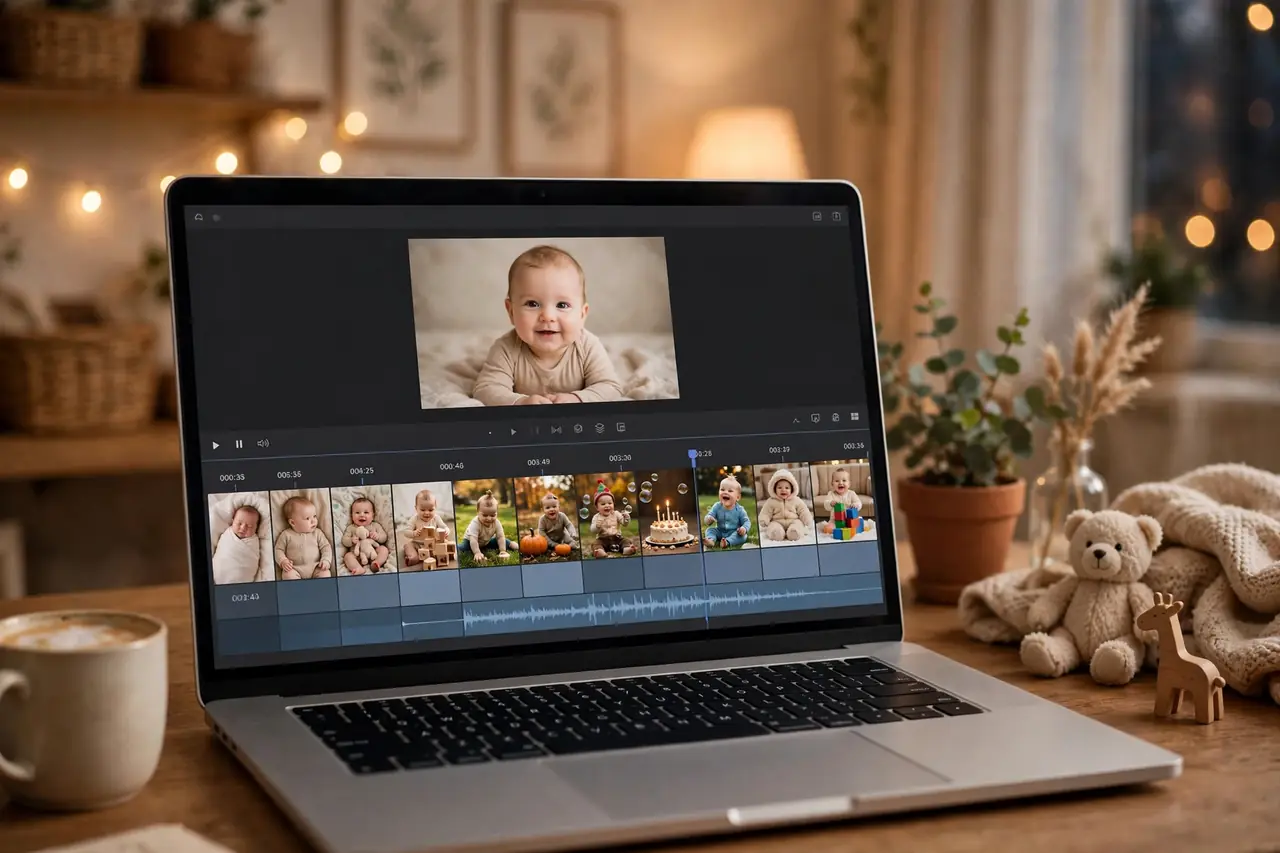
Of everything at a first birthday party, the video montage gets the biggest reaction. The room goes quiet. Phones come out. Grandparents cry. A well-made first birthday video montage compresses 365 days of 3 a.m. feedings, first smiles, wobbly steps, and everyday magic into three unforgettable minutes — and it becomes the keepsake your family revisits more than any other party element. The decorations come down; the montage lives forever.
This guide gives you twenty first birthday video montage ideas — from simple photo slideshows to cinematic mini-documentaries — plus a month-by-month footage gathering plan, an editing app comparison, a step-by-step workflow for beginners, music and song suggestions, and answers to every technical question. You don’t need filmmaking experience or expensive software. You need your phone’s camera roll, a free app, and an evening or two. Let’s make something beautiful.
Why the Montage Is the Party’s Emotional Centerpiece
A first birthday is, at its core, a celebration of survival and transformation — the baby’s and the parents’. The montage makes that transformation visible in a way nothing else can. Watching a newborn morph into a walking, babbling one-year-old in three minutes hits differently than looking at individual photos. It’s the difference between reading data points and watching a story. Guests who’ve watched the baby grow feel the year flash before them; guests meeting the baby for the first time understand instantly what the celebration is about.
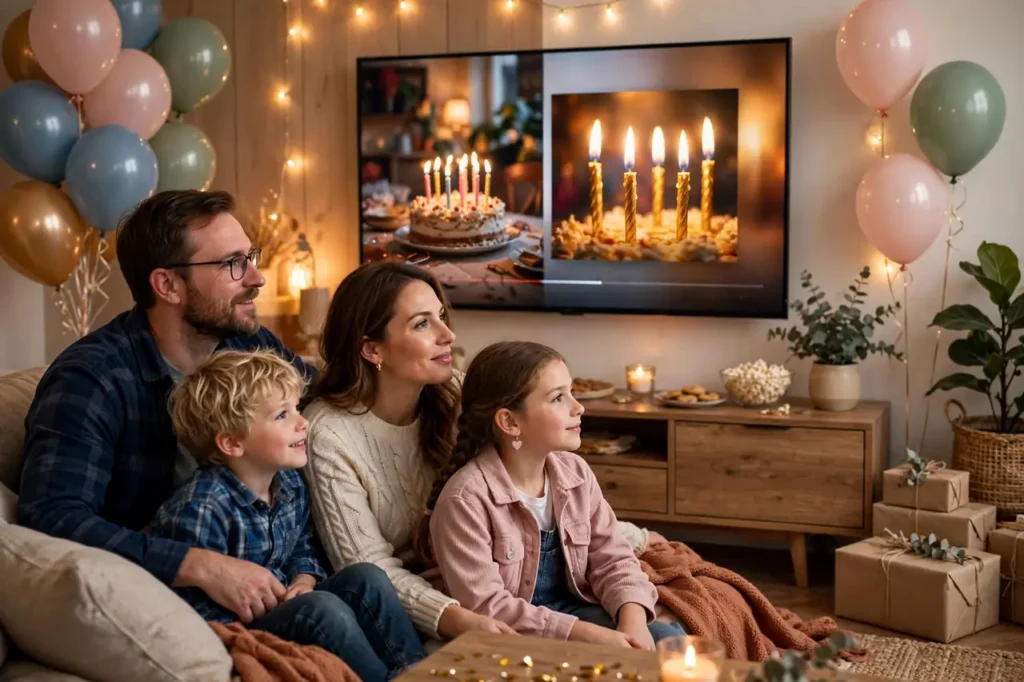
The montage also solves a practical party problem: what to do during the transitions. Play it on a loop on the TV during mingling time, and guests have something wonderful to watch while they wait. Play it once, formally, before the cake, and it becomes a shared emotional moment that elevates the whole party. Either way, it fills dead air with meaning — no awkward standing around, no “what do we do now” gaps.
And unlike almost everything else at the party, the montage appreciates in value. The decorations get recycled, the cake gets eaten, the outfit gets outgrown. The video gets watched on the second birthday, the fifth, the eighteenth. Parents report watching their baby’s first birthday montage annually, often with tears. It’s the highest-ROI party element by an enormous margin — a few hours of editing for a lifetime of revisiting.
20 First Birthday Video Montage Ideas
Simple and Classic Concepts
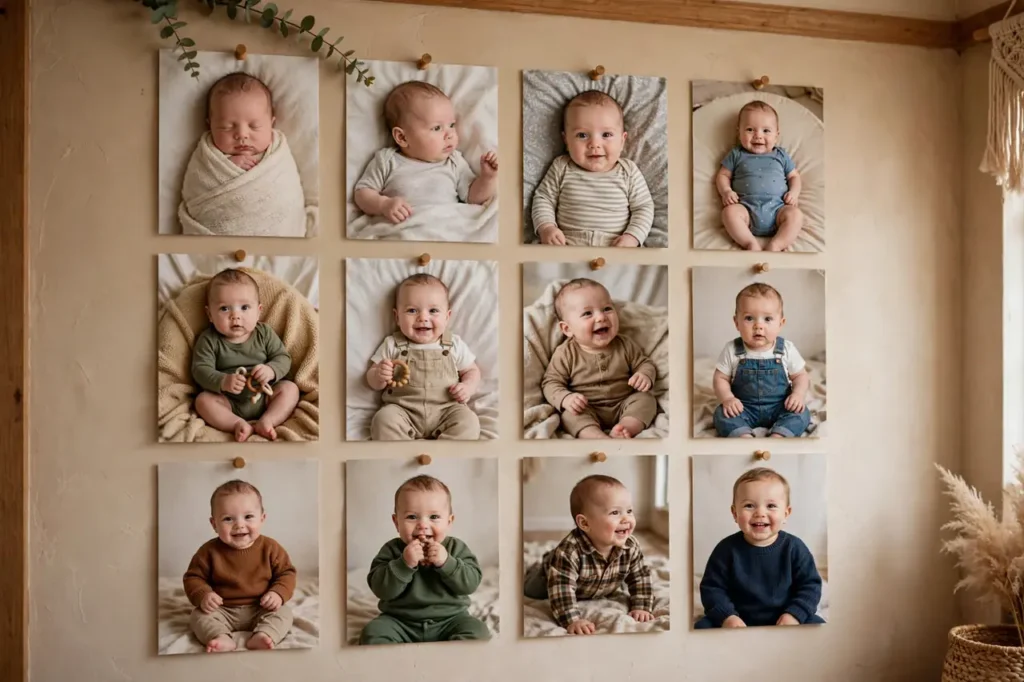
- The chronological journey: Photos and clips in order, newborn to one year, set to a single emotional song. The simplest concept and still the most powerful — the visible transformation does all the work. Use 40–60 photos, 3–4 seconds each.
- Month-by-month milestones: Twelve sections, one per month, each labeled with the month and a milestone (“Month 3: First smile”). Structured, informative, and wonderful for grandparents who missed the day-to-day.
- The year in firsts: Organized around firsts rather than months — first bath, first solid food, first steps, first word, first beach trip. Thematic and joyful; the “firsts” framing is inherently celebratory.
- Seasons of the first year: Four chapters — spring, summer, fall, winter — showing the baby growing through the year’s changing backdrop. Beautiful for babies born near a season boundary; the changing scenery mirrors the growth.
- Then and now: Side-by-side comparisons throughout — newborn bath vs. one-year bath, first day home vs. birthday morning. The contrast is the content; each pair gets an audible reaction.
Creative and Themed Concepts
- A day in the life (at one year): Instead of the whole year, document one ordinary day — wake-up, breakfast, play, nap, bath, bedtime — intercut with flashbacks to the same activities as a newborn. Intimate and artful; celebrates the everyday.
- The village: Focus on the people — everyone who held, fed, and loved the baby this year. Each person gets a photo with the baby and a caption. It’s a thank-you video disguised as a montage, and it makes every guest feel seen.
- Letter to baby narration: Record yourself reading a letter to the baby over the photos. Your voice narrating the year — the hopes, the hard nights, the joy — elevates a slideshow into a film. This is the concept that makes the most people cry.
- Favorite things: Organized around what the baby loves — the dog, the bath, bananas, the ceiling fan, grandma’s laugh. Playful and personality-driven; captures who they are, not just how they grew.
- The outtakes reel: All bloopers — the crying, the food-throwing, the failed photoshoots, the mid-sneeze faces. Hilarious, humanizing, and a perfect palate cleanser if your main montage is sentimental. Consider it as a bonus feature.
- Growth in numbers: Data-driven and charming — weight and height at each month, teeth count, words learned, miles walked (estimated). Presented with cute graphics, it’s the quantified-self version of a baby’s year.
- Around the world (or town): If you traveled this year, structure the montage geographically — the baby’s first trips, from the backyard to grandma’s to that one vacation. Even local adventures count; it’s about the expanding world.
- The sibling perspective: If there’s an older sibling, let them “narrate” — interview them about the baby, include their drawings, show their relationship evolving. Sibling montages are uniquely touching and give the big kid a starring role.
Cinematic and Advanced Concepts
- The short film: Shot intentionally over the final month — morning light, the nursery, the high chair, the backyard — edited with the year’s best archival clips woven in. Requires planning but produces something genuinely filmic.
- Time-lapse growth: If you took regular photos in the same spot (the monthly chair series), animate them into a time-lapse. Watching the baby grow in seconds is mesmerizing — it’s the single most rewatchable montage technique.
- Music video style: Cut to the beat — quick cuts, synced transitions, high energy. Set to an upbeat song, it’s the montage for parents who want celebration over sentimentality. Great for sharing on social media.
- Silent film with title cards: Black-and-white or sepia photos with old-timey title cards (“Our Little Star Arrives!”). Charming, distinctive, and surprisingly easy — the title cards do the narrative work.
- The interview documentary: Interview family members — “What was your favorite moment with the baby this year?” — and intercut their answers with footage. Multi-voice, rich, and a wonderful record of how loved this child is.
- Day-one to day-365: The ambitious version: one photo or second of video from every single day. Requires year-long discipline (or a very thorough camera roll), but the result is the ultimate first-year document.
- The dream sequence: Soft, slow, ethereal — floating transitions, gentle music, close-ups of tiny details (hands, feet, eyelashes). Less narrative, more feeling. Beautiful for the party’s quiet moment before the cake.
Gathering Your Footage: The Month-by-Month Plan
The best montages are built from intentional footage, not just whatever survived in the camera roll. If you’re reading this with months to spare, use this plan. If the party is next week, skip to the triage version below.
Months 1–3: Capture the newborn essentials — first days home, sleeping (so much sleeping), first bath, meeting grandparents, the tiny details (feet, hands, yawns). Shoot short video clips, not just photos: the stretching, the rooting, the first startled smiles. Video of newborns is gold because the stage passes so fast.
Months 4–6: The awakening — first real smiles, laughing, rolling, sitting with support, grabbing toys. Film the laugh; it’s the sound you’ll most want to preserve. Capture interactions: with siblings, pets, grandparents. The baby’s personality emerges here — document it.
Months 7–9: Mobility begins — crawling, pulling up, clapping, babbling with intent. Film the movement: the army crawl, the first successful sit-to-stand, the cruising along furniture. Also capture the messes — first foods are inherently cinematic.
Months 10–12: The finale — first steps, first words, standing unassisted, the emerging toddler personality. Film daily if you can; the changes come fast. And in the final two weeks, shoot intentional “ending” footage: the birthday outfit try-on, the decorated house, the baby’s last days as a “baby.”
The triage version (party is next week): Dump your entire camera roll into a folder. Sort by month quickly — don’t agonize. Pick 3–5 favorites per month (the ones that make you feel something). Ask family members to text you their best photos and videos. You’ll have plenty. The chronological journey concept works perfectly with triaged footage — it doesn’t need perfection, it needs heart.
Editing Apps Compared
| App | Cost | Best For | Learning Curve |
|---|---|---|---|
| CapCut (phone/desktop) | Free | Beginners; templates, auto-captions, music library | Easy — templates do the work |
| iMovie (Apple) | Free | Apple users; simple chronological montages | Easy — drag, drop, done |
| Canva Video | Free tier | Title cards, text overlays, quick social versions | Very easy — design-first interface |
| Adobe Premiere Rush | Free tier / subscription | Multi-track editing on phone | Medium — more control, more to learn |
| DaVinci Resolve (desktop) | Free | Cinematic color and advanced editing | Steep — but the free version is professional-grade |
| Google Photos movie | Free | Zero-effort auto-montages | None — AI assembles it for you |
For most parents, CapCut or iMovie is the answer. Both are free, both handle photos, video clips, music, and text, and both export in quality suitable for TV playback. Don’t overthink the tool — the footage and the music matter 10x more than the software. A heartfelt montage edited in a free app beats a technically perfect one that never gets finished because the software was intimidating.
Step-by-Step: Editing Your Montage in One Evening
Step 1 — Gather (30 minutes): Create a folder. Copy in your selected photos and clips, organized by month. Rename the keepers if it helps. Aim for 50–80 assets — you’ll use about two-thirds.
Step 2 — Choose music (15 minutes): Pick your song first — the music determines the montage’s length and emotional rhythm. See the song list below. Trim the song to 2.5–4 minutes; most montages overstay their welcome past four minutes.
Step 3 — Rough assembly (45 minutes): Lay photos in chronological order on the timeline, 3–4 seconds each. Drop in video clips (5–10 seconds each) at natural break points — after every 8–10 photos works well. Don’t finesse yet; just get the structure down.
Step 4 — Refine (45 minutes): Now adjust. Cut any photo that doesn’t earn its place. Add gentle transitions (cross-dissolves, not star wipes). Add title cards: the baby’s name at the start, month labels if using that concept, a closing card (“Happy 1st Birthday!”). Add captions to the funniest clips.
Step 5 — Audio (15 minutes): Balance the music under any video clips with sound (the laugh, the first word) — duck the music during those moments so the natural audio shines through. This single technique makes montages feel professional.
Step 6 — Export and test (15 minutes): Export at 1080p. Watch it on the actual TV or projector you’ll use at the party — check that text is readable from the back of the room and the audio is clear. Show it to your partner. Cry a little. It’s ready.
Total: about 2.5 hours. One evening after bedtime, with tea. You’ve got this.
Choosing Your Concept: A Quick Decision Guide
Twenty concepts is a lot. Narrow it down with three questions. How much footage do you have? Tons of video clips → lean into cinematic concepts (short film, music video, interview documentary). Mostly photos → the chronological journey, month-by-month, or time-lapse concepts. A mix → then-and-now or the year in firsts. What’s your editing comfort? Beginner → chronological journey or Google Photos auto-movie. Comfortable → letter narration or seasons. Ambitious → short film or day-one-to-365. What’s the party vibe? Emotional and intimate → letter narration, dream sequence, the village. Fun and high-energy → music video style, outtakes reel, favorite things.
When in doubt, default to the chronological journey with one twist — add the letter narration, or end with the outtakes. The classic structure guarantees emotional impact; the twist makes it yours. And remember: you can make two. A three-minute chronological montage for the party plus a one-minute music-video cut for Instagram covers every audience. The second version takes thirty minutes once the first is done — same assets, different energy.
Involving Family in the Montage
The best montages are collaborative. Ask grandparents for their favorite photos and videos — they often captured moments you missed, and their perspective enriches the story. Give them a deadline (two weeks before the party) and a simple upload method (a shared album link, not a tech-heavy request). Interview family members for the documentary concept: “What’s your favorite memory with the baby this year?” Record on a phone in a quiet room; thirty seconds per person is plenty.
Include the “village” explicitly. Dedicate a 20-second section to the people who helped — the night nurse, the neighbor, the daycare teacher, the friend who brought soup. Photos of the baby with each helper, captioned with thanks. This section consistently gets the strongest reaction at parties, because it tells everyone present: you matter to this story. Credit your contributors in the closing card (“Photos by Grandma, Aunt Lisa, and Mom’s camera roll”) — it’s gracious and encourages contributions for next year’s montage.
One caution: curate contributions. Well-meaning relatives send 200 photos; you need 10. Thank them warmly, use the best, and don’t feel obligated to include everything. The montage is your edit — that’s what makes it art rather than a slideshow. A gentle “we had to narrow it down!” covers any hurt feelings.
Presentation Tips: Showing the Montage at the Party
How you present the montage matters as much as the montage itself. Time it right: the ideal moment is after guests have settled but before the cake — the emotional peak flows naturally into the celebration. Announce it briefly (“We made a little video of [Name]’s first year — let’s watch together”) and dim the lights if you can. Gather everyone: ask people to come to the viewing area; a montage watched by twelve scattered guests has half the impact of one watched together.
Handle the tech in advance. Test the file on the actual display the day before. Bring adapters (HDMI, USB-C) — venue TVs are unpredictable. Download the video locally; don’t rely on WiFi or cloud streaming at party time. Set the volume during a test run — montages are often too quiet on TV speakers, and fumbling with the remote kills the mood. Designate a “play” person (not you) who knows when to hit play and has the backup file ready.
Prepare for emotions. People will cry — that’s the point. Have tissues visible near the viewing area (it signals that crying is welcome). Don’t apologize for the feelings; let the moment breathe. After the video ends, pause for applause and hugs before transitioning to the cake. The montage-to-cake sequence — tears, then celebration — is the emotional arc of the perfect first birthday. Let it land.
Music and Song Suggestions
Music makes the montage. Choose based on the tone you want: sentimental, joyful, or a mix (start sentimental, end joyful — the classic arc).
Sentimental and emotional: “You Are My Sunshine” (any gentle cover), “What a Wonderful World” (Louis Armstrong), “Humble and Kind” (Tim McGraw), “My Wish” (Rascal Flatts), “Beautiful Boy” (John Lennon), “Lullaby” renditions of popular songs. These suit the chronological journey and letter-narration concepts.
Joyful and upbeat: “Happy” (Pharrell Williams), “Best Day of My Life” (American Authors), “Count on Me” (Bruno Mars), “Home” (Edward Sharpe), “Can’t Stop the Feeling” (Justin Timberlake). These suit the music-video style and outtakes reel.
Modern and cinematic: Instrumental covers (piano or acoustic guitar versions of popular songs), lo-fi gentle tracks, or royalty-free cinematic music from the app’s library. Instrumental music avoids lyrical distraction and works beautifully under narration.
A note on copyright: For a private party and personal keepsake, using a favorite commercial song is standard practice and universally done. If you plan to post the montage publicly on YouTube, the platform may mute, restrict, or monetize it — use YouTube’s audio library or royalty-free music for public versions. For Instagram and TikTok, trending sounds are pre-licensed and safe to use.
Watch: A First Birthday Montage Done Right
See what a finished first birthday montage looks like — this “Journey to ONE” video captures a baby’s entire first year set to music, and it’s a perfect reference for the pacing, photo selection, and emotional arc you’re aiming for.
Beyond the Party: The Montage’s Afterlife
The party ends; the montage’s real life begins. Share it strategically: send the full video to close family via a private link, post a 60-second cut on social media with your birthday hashtag, and keep the full version for yourselves. The short cut satisfies the audience; the full version preserves the archive. Back it up redundantly: cloud storage, an external drive, and a copy with a trusted family member. Digital files are shockingly fragile — phones get lost, accounts get hacked, services shut down. Three copies is the minimum for something irreplaceable.
Revisit it ritually. Many families watch the first birthday montage every year on the birthday — it becomes a tradition that grows more poignant as the child grows. The first rewatch (second birthday) is sweet; the fifth is astonishing; imagine the eighteenth. Build on it: each year’s montage can open with a clip from the previous year’s ending, creating a linked series. By the fifth birthday, you have a five-part documentary of a childhood. Future you — and future them — will be unspeakably grateful.
And consider the physical keepsake: burn the video to a USB drive or include it on a memory card tucked into the baby’s memory box, alongside the printed speech and a party photo. In twenty years, when formats have changed three times over, the physical copy in the box will still be there — a time capsule with a play button.
FAQs About First Birthday Video Montage Ideas
How long should a first birthday montage be?
Two and a half to four minutes. Shorter than two minutes feels rushed; longer than four loses the room — even grandparents check out around minute five. If you have too much great footage, make the party version tight (3 minutes) and a longer director’s cut for home viewing.
How many photos should I include?
Forty to sixty photos plus 5–10 short video clips for a three-minute montage. At 3–4 seconds per photo, 50 photos fill about three minutes. More photos mean faster cuts (energetic); fewer mean lingering (emotional). Match the count to your song’s energy.
What if I don’t have good footage from the early months?
Use what you have — even a few newborn photos anchor the “before” beautifully. Ask family members for their photos; grandparents often have gems you never saw. And lean into the months you documented well. A montage weighted toward recent months still tells the growth story effectively.
Should I include video clips or just photos?
Both — but prioritize clips with sound: the laugh, the first word, the babbling. A 6-second clip of the baby laughing does more emotional work than twenty photos. Place clips at roughly one-third and two-thirds through the montage for maximum impact. Mute or trim clips with background noise (TV, adult conversation).
How do I show the montage at the party?
On the biggest screen available — a TV is ideal. Test in advance: check that your file plays, the audio is loud enough, and text is readable from seating distance. Bring the file on two devices (phone + laptop, or USB + cloud) as backup. Play it once formally before the cake, then loop it quietly during mingling if you like.
Can I make a montage entirely on my phone?
Yes — CapCut, iMovie (iPhone), and even Google Photos’ auto-movie feature produce excellent results on phones alone. The phone is actually ideal for this: your photos are already there, the apps are designed for touch, and you can edit during nap times anywhere. No computer required.
Should the montage be a surprise or should we watch it first?
Watch it first — always. You’ll catch typos in title cards, photos you’d rather not show publicly (the 3 a.m. feeding look), and pacing issues. Show it to your partner at minimum. Surprises are for the guests, not for you discovering an embarrassing photo on the big screen.
How do I preserve the montage long-term?
Save the exported video in at least three places: cloud storage, an external hard drive, and a shared family album. Also save the project file from your editing app — you’ll want to re-edit for future birthdays. Consider ordering a USB keepsake or including the video file on a memory card in the baby’s memory box. Digital files are fragile; redundancy is love.
The montage is the heart of the celebration. For the party around it, explore our birthday party ideas, capture stills with our photo ideas guide, try our morning photo ideas for natural-light footage, and if you’re new to this whole parenting journey, our guide for new parents is a warm companion.
Twenty concepts, a footage plan, an editing workflow, and a song list — everything you need for three unforgettable minutes. Start tonight: dump the camera roll, pick the song, and let the year unfold on your timeline. Your future self will thank you. And when in doubt, keep it simple and heartfelt.
One final encouragement for the hesitant: your montage doesn’t need to be perfect — it needs to exist. The shaky clips, the imperfect transitions, the photo that’s slightly out of focus but captures the exact laugh — those are the things you’ll treasure. Done beats polished, every single time, without exception. When the room goes quiet at the party and the first photo appears, you’ll know every minute of editing was worth it. Happy first birthday to your wonderful baby — and happy filmmaking to you.