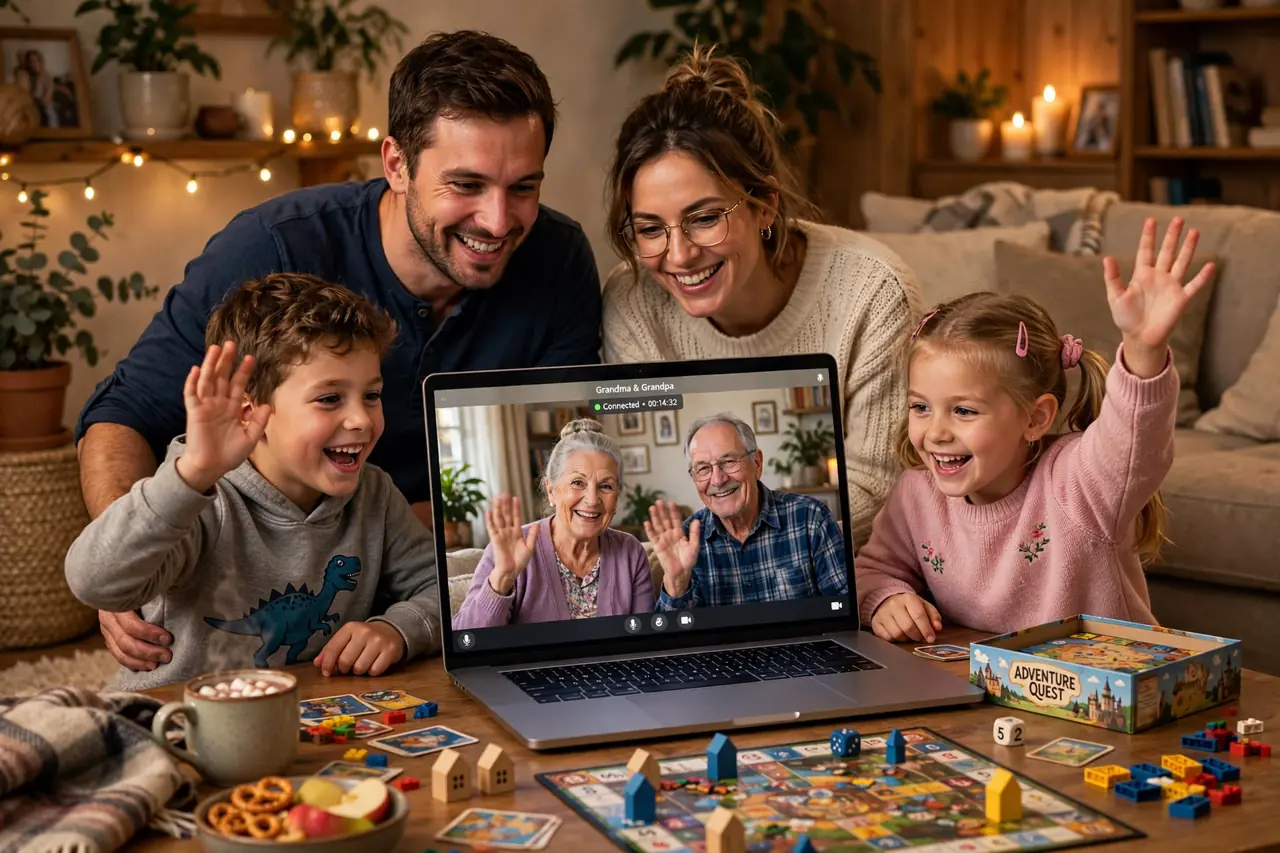
Miles do not have to mean missing out. When grandparents live across the country, when cousins are scattered across time zones, or when work and life keep your household apart, a virtual family day brings everyone together on one screen — laughing, playing, and making memories in real time. The technology is finally good enough that distance feels smaller than ever: you can cook the same meal in three different kitchens, compete in a trivia tournament across four states, or take a virtual museum tour side by side from opposite coasts.
This guide to virtual family day ideas for long distance is built for real families navigating real logistics — different time zones, different tech skills (hello, Grandpa), and kids with short attention spans. You will find 65+ ideas organized by format: video call games, watch parties, cooking together, virtual adventures, creative collaborations, and celebration rituals. There is a platform comparison table, a tech-setup checklist that prevents the dreaded “can you hear me?” spiral, sample schedules for different time-zone spreads, and answers to the questions families ask most. Distance is just geography. Togetherness is a choice — let’s make it.
Making Virtual Family Day Actually Feel Like Family Day
A video call where everyone stares at each other for an hour is not a family day — it is a meeting, and kids will treat it like one (by escaping at the first opportunity). The secret to a virtual family day that works is structure plus activity. Every segment needs something to DO: a game to play, a meal to cook, a project to build, a show to watch together. Passive video time drains energy; active video time creates it.
Three principles make the difference. First, one shared experience at a time — everyone doing the same thing simultaneously, whether that is answering trivia questions or decorating cookies. Second, a host with a plan — one person runs the schedule, shares their screen when needed, and keeps things moving. Third, planned spontaneity — build in unstructured hangout time between activities, because the best moments (cousins being silly, grandparents telling stories) happen in the gaps.
Send the schedule in advance, do a quick tech check with less tech-savvy relatives the day before, and have a backup plan (phone call, reschedule) if someone’s internet fails. Preparation is invisible when it works — and everything when it does not.
Video Call Games: Play Together, Miles Apart
Games are the engine of virtual family day. They give everyone something to do, create natural laughter, and work across ages with the right picks.
Virtual Trivia Tournament
The undisputed champion of virtual family games. One person hosts using a free trivia platform or simply reads questions, teams form by household, and everyone answers simultaneously (whiteboards, paper, or chat). Theme the rounds: family history, pop culture by decade, geography, “guess the baby photo.” Keep rounds short, celebrate wildly, and award a ridiculous trophy that gets mailed to the winners. Trivia works for ages eight to eighty and scales to any group size.
20 Games to Play on Zoom
Before you plan, watch this goldmine of ideas: twenty easy virtual games designed specifically for families on video calls — scavenger hunts, charades, “would you rather,” drawing games, and more. It is the perfect inspiration reel to watch with your co-host before family day.
Online Pictionary and Drawing Games
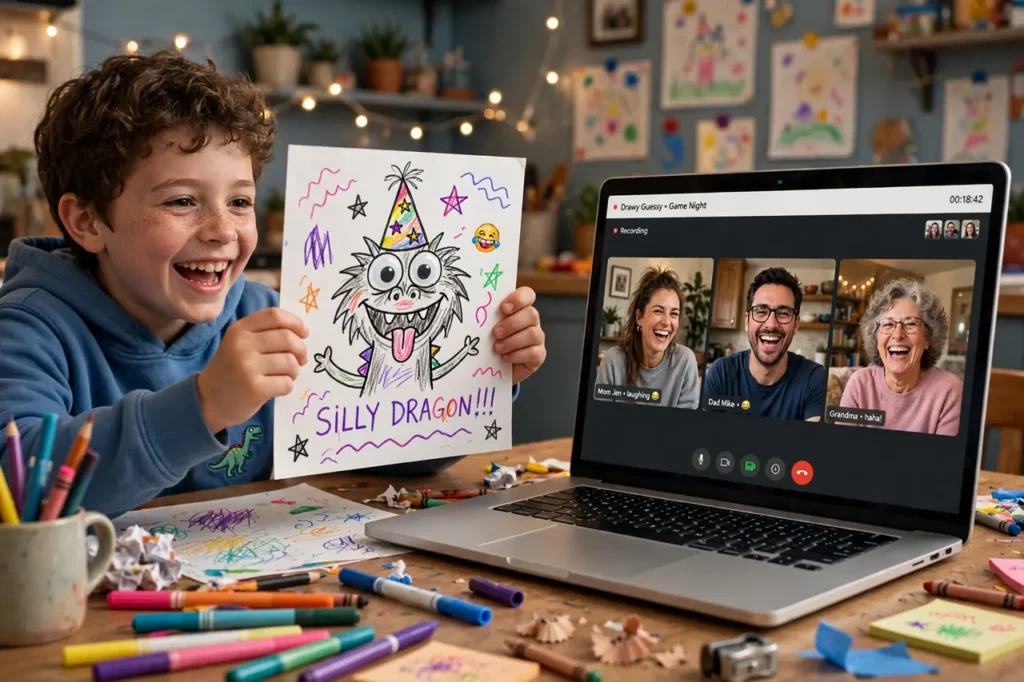
Free browser-based drawing games let everyone sketch and guess in real time — no accounts needed, just a shared link. The drawings are hilariously bad, which is the entire point. For a personal twist, play “family Pictionary” over video: one person draws on paper held up to the camera while their household guesses. Inside jokes make the best prompts.
Virtual Scavenger Hunt
The host calls out items — “something older than Mom,” “the weirdest thing in your fridge,” “something that makes noise” — and players race to find them in their own homes and show them on camera. First back with a valid item scores. It gets people moving, produces hilarious show-and-tell moments, and works brilliantly for kids who cannot sit still.
Jackbox and Party Game Apps
Jackbox party packs are made for this: one person streams the game, everyone else joins on their phone as a controller. Drawing games, trivia, wordplay, and bluffing games all shine. Most packs cost about the price of a pizza and deliver hours of entertainment. For a free alternative, try browser-based multiplayer party games — many need nothing but a link.
Two Truths and a Lie: Family Edition
Each person shares three “facts” about themselves — two true, one false — and everyone guesses the lie. With family, the truths are wonderfully weird (“I once ate an entire watermelon in one sitting”) and the game doubles as storytelling. It is perfect for mixed-age groups and requires zero setup.
Virtual Bingo
Generate free custom bingo cards online (family-themed: “Grandpa’s laugh,” “someone’s pet appears,” “baby cries”) and play throughout the day. Bingo works as a background game during hangout time — players mark squares as events happen naturally. The first to bingo wins a mailed prize.
Murder Mystery Over Video
Free and paid virtual mystery kits assign each player a character; everyone dresses up, stays in character, and interrogates each other over video. It takes some commitment, but families who go all-in call it the highlight of their year. Choose a kit rated for your youngest player’s age.
Would You Rather: Family Showdown
Pose absurd dilemmas — “would you rather fight one horse-sized duck or a hundred duck-sized horses?” — and debate the answers. Kids’ reasoning is the entertainment. Take it up a notch with family-specific questions: “would you rather have Dad’s cooking or Mom’s driving for a year?” (Choose your battles.)
Online Board Game Platforms
Websites that host digital board games let far-flung family play classics together — strategy games, card games, word games — with video chat running alongside. There is a learning curve, so pick one game, learn it in advance, and teach everyone at the start of the session. Once it clicks, it becomes a tradition.

Watch Parties: Shared Screens, Shared Reactions
Watching something “together” while apart is a uniquely modern joy. The key is synchronization and a backchannel for reactions.
Synchronized Movie Night
Everyone presses play at the same time (count down together: “three, two, one, play!”) and keeps a group chat or second video call open for live reactions. Choose the film by vote from three options, make everyone prepare the same snack, and pause for an intermission discussion. It is remarkably close to being in the same room.
TV Episode Club
Pick a series and watch one episode “together” each virtual family day — or weekly between family days. Discuss predictions, favorite moments, and theories afterward. An ongoing show gives distant family a standing appointment and endless conversation topics. Reality competitions and nature documentaries work especially well across ages.
Family Slideshow Night
One person shares their screen and plays a slideshow of old family photos while everyone reminisces. Even better: assign each household five photos to contribute around a theme (“funniest,” “most embarrassing,” “best vacation”). Slideshow nights reliably produce tears of laughter and stories the kids have never heard.
Sports Watch Party
For sports families, a big game is a natural virtual gathering. Sync your streams as closely as possible, open a group chat for commentary, and make it an event with team-color snacks in every household. Friendly wagers (loser mails the winner cookies) add stakes.
YouTube Talent Showcase
Each household finds or films a short video — a talent, a funny clip, a home movie — and you watch them together, talk-show style, with a host introducing each act. It is low-pressure, hilarious, and gives shy family members a way to participate without live performance anxiety.
Cook and Eat Together: The Virtual Dinner Table
Food is family glue, and it works over video too. Cooking the same meal in different kitchens creates a powerful sense of togetherness.
Cook-Along Dinner
Choose one recipe — ideally simple, forgiving, and fun — send it to everyone in advance with a shopping list, and cook it simultaneously over video. One confident cook leads, everyone else follows, and you all sit down to eat “together.” Tacos, homemade pizza, and pasta from scratch are ideal: hands-on, customizable, and hard to ruin.
Virtual Bake-Off
Each household bakes the same recipe (cookies, cupcakes, bread) and presents their creations on camera. Judge on appearance, then everyone tastes their own and reports back — honor system on flavor scores. Mail samples to each other in advance for real judging if you are ambitious. The flour-dusted video chaos is half the fun.
Progressive Virtual Dinner
Each household prepares one course and “hosts” that course on video: appetizers at the cousins’ house, main course at Grandma’s, dessert at yours. You eat your own food but share the experience course by course, with each host presenting their dish. It is elegant, fun, and distributes the cooking load.
Recipe Exchange and Cookbook Project
Use family day to collect family recipes: each household demonstrates one cherished recipe on video while someone records. Compile them into a shared digital cookbook with photos and stories. It is a meaningful project that preserves heritage — and gives future family days a built-in menu.
Virtual Happy Hour or Hot Chocolate Hour
For the adults (or the whole family with fancy mocktails/hot chocolate), a scheduled cocktail hour with a theme — tropical drinks, decade cocktails, “use what’s in your cabinet” challenge — adds grown-up fun to the day. Kids can run a “mocktail bar” for the adults, which they find delightful.
Virtual Adventures: Explore Together
You do not need to be in the same place to have an adventure together.
Virtual Museum and Landmark Tours
World-class museums, national parks, and famous landmarks offer free virtual tours. One person shares their screen and “leads” the tour while everyone explores together — the Louvre, the Smithsonian, the Great Wall, the San Diego Zoo’s live animal cams. Assign each kid a “tour guide” segment to present, which turns passive watching into active learning.
Online Escape Rooms
Digital escape rooms are built for video-call teamwork: everyone looks at the same puzzles, shouts out ideas, and races the clock. Many are free or cheap, themed (haunted house, space station, museum heist), and genuinely challenging. It is one of the best virtual bonding activities that exists.
Virtual Travel Planning Party
Plan a future real-life trip together: research destinations on shared screens, vote on activities, build a dream itinerary, and start a shared savings challenge. Planning a trip you will actually take transforms virtual family day from a substitute into a launchpad — the anticipation becomes part of the fun.
Live Cams and Nature Watching
Watch a live wildlife cam together — eagles, bears, ocean reefs, African waterholes — and narrate the action like sports commentators. It is oddly riveting, completely free, and gives everyone something to check in on between family days (“did the eaglet fledge yet?”).
Virtual Concert or Show
Many artists stream concerts, and theaters stream performances. Buy “tickets” (even free ones), dress up, make event snacks, and watch together with a group chat running. The shared cultural experience gives everyone something to discuss for weeks.
Creative Collaborations: Make Something Together
Creating together across distance produces keepsakes no store can sell.
Collaborative Story Writing
Start a story and pass it around: each household writes one chapter (or even one paragraph for little kids) before the next video call, then read the whole thing aloud together. The plot twists are gloriously unhinged, and the finished story is a family treasure. Illustrate it together over subsequent calls.
Virtual Craft-Along
Mail identical craft kits to every household in advance (or agree on a supply list), then craft together on video: holiday ornaments, friendship bracelets, painted rocks, vision boards. Everyone works on the same project simultaneously, showing progress on camera. The matching finished products become symbols of togetherness.
Family Playlist Project
Build a collaborative playlist where every family member adds ten songs that define them. Listen together on family day, with each person introducing their picks and telling the story behind them. Music reveals people in wonderful ways — you will learn things about your own family.
Digital Scrapbook or Video Montage
Each household contributes photos and short clips around a theme; one tech-savvy member assembles them into a slideshow or video montage to premiere on family day. Watching it together, with everyone reacting in real time, is profoundly moving. Save it — it becomes more precious every year.
Family Time Capsule (Digital)
Each household records a short video message — predictions for the future, favorite memories, messages to future selves — and you “bury” them in a shared folder to be opened on a future family day. Kids love addressing their future selves, and adults find it surprisingly emotional.
Celebration Rituals: Mark the Occasion
Virtual family days deserve ceremony. Rituals signal that this is special, not just another call.
- Opening ceremony: everyone lights a candle, shares one gratitude, and officially “opens” family day together.
- Family awards: vote on superlatives — funniest moment, best dish, most improved gamer — and mail certificates.
- Group photo: screenshot the grid view at the day’s peak moment. Print it. It counts.
- Closing circle: each person shares a favorite moment and one thing they are looking forward to. End with a synchronized countdown and wave.
- Care package exchange: mail small packages to arrive before family day — matching snacks, craft supplies, silly props — so everyone opens the same surprises together on camera.
Platform Comparison Table
| Platform Type | Best For | Group Size | Cost | Notes |
|---|---|---|---|---|
| Standard video call (Zoom, Meet, FaceTime) | Games, hangouts, cook-alongs | 2–100 | Free | Everyone knows how to use it; screen share for games |
| Watch-party extensions | Synchronized movies and shows | 2–10 | Free | Requires same streaming subscriptions |
| Jackbox / party game apps | Structured game nights | 3–8 players | $–$$ | One host streams; players join on phones |
| Browser drawing games | Quick laughs, all ages | 2–12 | Free | No accounts; just share a link |
| Online board game sites | Strategy and card games | 2–6 | Free–$ | Learning curve; learn one game well |
| Virtual tour sites | Museums, zoos, landmarks | Any | Free | Host shares screen and narrates |
| Collaborative playlists/docs | Music, stories, planning | Any | Free | Build between calls; share on the day |
Tech Setup Checklist: Avoid the “Can You Hear Me?” Spiral
- Test the day before with less tech-comfortable relatives — especially grandparents.
- Use the biggest screen available: laptop or TV beats phone for group activities.
- Light your face: sit facing a window or lamp; backlighting turns you into a silhouette.
- Reduce echo: one device per household on the call; mute when not speaking in big groups.
- Charge everything and keep chargers handy; video drains batteries fast.
- Have a backup: a phone number to call if video fails, and a group chat for coordination.
- Share links in advance: game links, recipes, supply lists — not in the moment.
- Designate a tech host who manages screen sharing, breakout rooms, and troubleshooting.
Sample Schedules for Different Time-Zone Spreads
Same Time Zone (or within 1–2 hours)
- 10:00 AM — Opening ceremony and virtual scavenger hunt
- 11:30 AM — Trivia tournament, round one
- 1:00 PM — Cook-along lunch (everyone makes the same meal)
- 2:30 PM — Break / free hangout rooms
- 4:00 PM — Online escape room or Jackbox games
- 6:00 PM — Slideshow night and family awards
- 7:30 PM — Synchronized movie with group chat
- 9:30 PM — Closing circle and group screenshot
Coast to Coast (3-hour spread)
- 1:00 PM ET / 10:00 AM PT — Opening and icebreaker games
- 2:30 PM ET / 11:30 AM PT — Virtual bake-off (morning-friendly for everyone)
- 4:00 PM ET / 1:00 PM PT — Trivia tournament
- 5:30 PM ET / 2:30 PM PT — Break
- 7:00 PM ET / 4:00 PM PT — Cook-along dinner and awards
- 8:30 PM ET / 5:30 PM PT — Closing circle (end before West Coast dinner gets too late)
International (8+ hour spread)
Do not attempt a full day — schedule two focused 90-minute sessions: one morning session for one side (evening for the other) built around games, and one evening session built around a shared meal or watch party. Record highlights to share asynchronously, and use a shared photo album so everyone contributes across the whole day.
Virtual Family Day for Birthdays and Holidays
Some of the most meaningful virtual family days happen around occasions — a birthday, a holiday, an anniversary — when being apart stings the most. With planning, a virtual celebration can feel genuinely festive rather than like a consolation prize.
Virtual birthday parties: mail decorations and a cake mix in advance so every household decorates and bakes along. Gather on video for candle-blowing (everyone lights a candle), present-opening (the birthday person opens mailed gifts on camera while everyone watches), and party games like virtual bingo or trivia about the birthday star. Our collection of birthday quotes makes a sweet addition to a video card everyone signs digitally.
Holiday traditions, remixed: cook the family’s traditional holiday meal simultaneously over video, open stockings or gifts together on camera, and keep the rituals that matter — the toast, the prayer, the silly song — intact. Distance changes the logistics, not the meaning. Many families report that virtual holidays actually increased participation, since relatives who could never travel now join every year.
Milestone celebrations: graduations, new babies, retirements, and anniversaries all deserve a virtual gathering. Structure it like a program: welcome, slideshow or video montage, toasts from each household, a group game, and a closing wish circle. Assign an emcee, keep it to 90 minutes, and record it — milestone recordings become family heirlooms.
The through-line for every virtual celebration is the same: prepare physical elements in advance (mailed packages, matching food, decorations), build the schedule around one shared experience at a time, and protect space for the unscripted moments. For watch-party-style celebrations, our family movie night guide has setup tips that adapt perfectly to synchronized virtual screenings. And when the games begin, borrow formats from our family game night ideas — most adapt beautifully to video calls with a little creativity.
Frequently Asked Questions
What are the best virtual family day ideas for long distance with grandparents?
Choose low-tech, high-heart activities: slideshow nights with old photos, cook-alongs with simple recipes, storytelling sessions, virtual bingo, and “interview Grandma” sessions where kids ask prepared questions about her childhood. Do a tech test call the day before, use the simplest platform they know, and assign a tech buddy in their household. Grandparents consistently rate being included — even imperfectly — as the highlight of their month.
How do we handle big time-zone differences?
Find the overlap window where nobody is asleep or at work — often a weekend morning for one side and evening for the other. Keep sessions to 90 minutes max per block rather than forcing a full day, and split activities across two sessions if needed. Use asynchronous elements (shared photo albums, collaborative playlists, mailed care packages) to make the whole day feel connected even when you are not all online simultaneously.
What are good virtual family day ideas for long distance with young kids?
Young kids need movement and short segments: virtual scavenger hunts (they run around their own house), dance parties, show-and-tell, drawing games, and “cook” simple no-bake snacks alongside cousins. Keep each activity to 15–20 minutes, build in wiggle breaks, and let them leave the camera when they need to — forced screen-sitting backfires. The goal is joyful connection, not perfect participation.
What free platforms work best for virtual family day?
Standard video calling apps (Zoom, Google Meet, FaceTime) handle the core gathering free. Browser-based drawing and party games need no accounts. Free trivia can be run by a host reading questions. Watch-party browser extensions sync streaming for free (everyone needs their own subscription). Online board game platforms have free tiers. You can run an entire spectacular virtual family day without spending anything beyond internet you already have.
How do we keep teenagers engaged in virtual family activities?
Give teens real roles: game host, trivia master, DJ of the shared playlist, or editor of the family montage. Competitive formats (tournaments, escape rooms, Jackbox) work far better than passive ones. Let them invite a cousin their age as an ally, and include at least one activity with genuine stakes or humor. Teens engage when they have status and agency — make them essential, not just invited.
What should we do if someone’s internet fails during virtual family day?
Have a backup plan agreed in advance: the person joins by phone audio while troubleshooting, or the group takes a scheduled break and reconvenes. Record key moments (with permission) so anyone who drops out can catch up. Keep a group chat running parallel to video for coordination. And build the schedule with natural break points every 60–90 minutes — they double as reconnection windows if tech fails.
How can we make virtual family day feel special and not like another video call?
Ceremony and preparation: mail care packages to arrive beforehand so everyone opens the same surprises together, dress up or wear matching colors, decorate your video background, start with an opening ritual and end with a closing circle. The physical preparations — the package, the decorations, the special snack — signal to everyone’s brain that this is an event, not a meeting. Effort is the difference.
How often should long-distance families do virtual family days?
Quarterly full virtual family days work well for most families, supplemented by shorter monthly video hangouts and ongoing asynchronous connection (shared photo albums, group chats, collaborative playlists). Consistency matters more than frequency — a standing date everyone protects beats ambitious plans that keep getting postponed. Many families find that regular virtual days make the in-person reunions even sweeter.
Distance may keep you apart, but it cannot keep you from being a family — not when you plan for togetherness with the same love you would bring to a shared table. Pick your platform, send the invitations, mail the care packages, and log on. Your family is waiting on the other side of the screen.