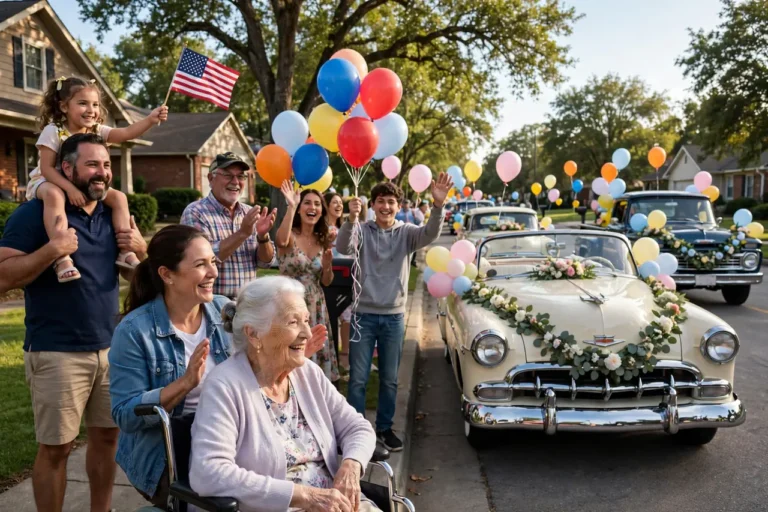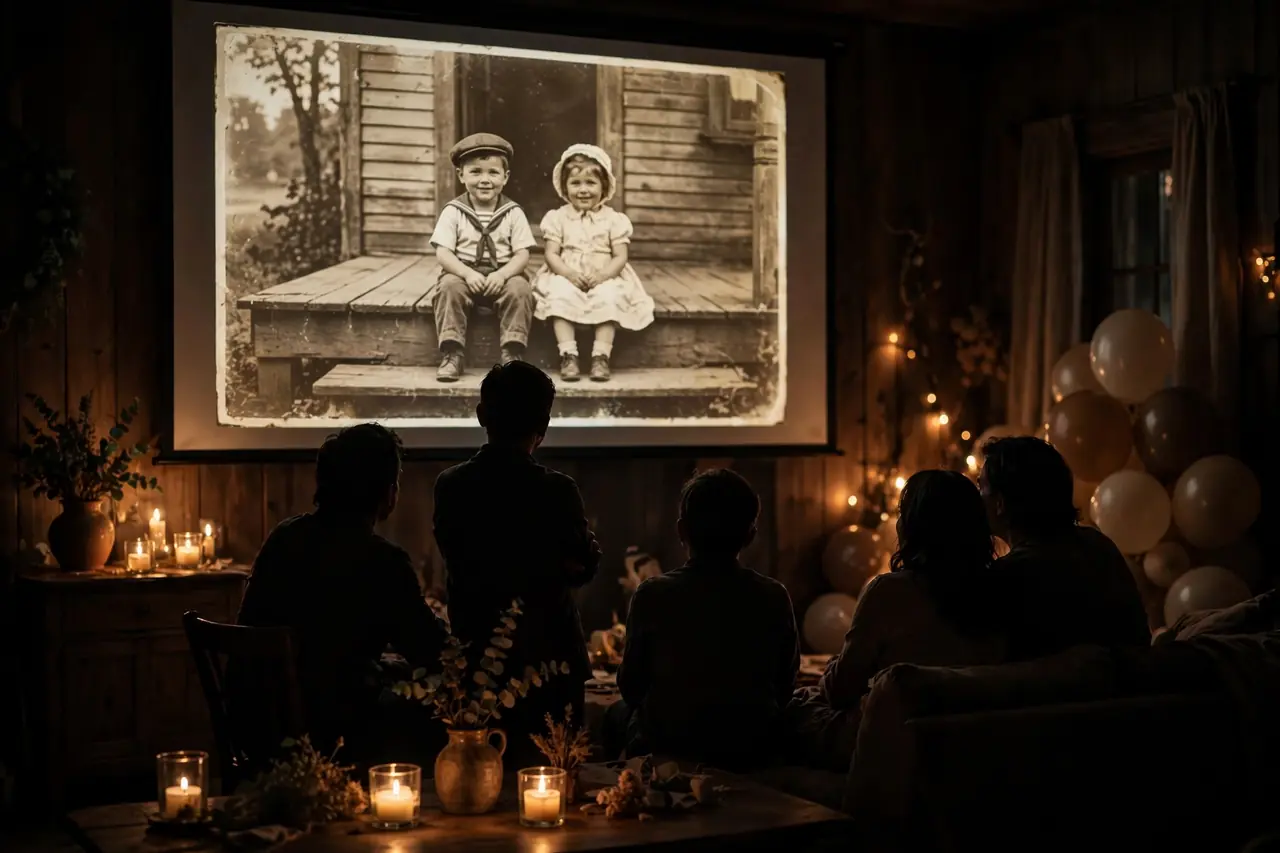
The lights dim. A hush falls over three generations gathered in one room. And then, on the screen, a baby photo from 1926 dissolves into a wedding portrait from 1948, into a laughing grandmother surrounded by great-grandchildren last Christmas — and the whole room is crying happy tears. A well-crafted slideshow is the emotional centerpiece of a 100th birthday party, a ten-minute journey through a century that no speech can quite replicate. These 100th birthday slideshow ideas will help you build one worth remembering: how to structure it, where to find photos, what music to choose, which software to use, and how to avoid the mistakes that turn tributes into endurance tests.
Whether you are a tech-savvy grandchild or a complete beginner, this guide walks you through the entire process from first photo scan to final applause — with theme ideas, pacing formulas, music strategies, software comparisons, troubleshooting tips, and a complete production timeline.
Why the Slideshow Is the Heart of the Party
Of all the elements of a 100th birthday celebration — the cake, the toasts, the decorations — the slideshow is the one guests talk about for years afterward. It works because it does something unique: it makes a century visible in a way words alone never can. Younger guests who have only ever known grandma as grandma suddenly see her as a young bride, a new mother, a career woman. Older guests spot themselves in photos they had forgotten existed, and everyone shares the quiet wonder of watching time collapse into ten luminous minutes. The room experiences a century together, in ten minutes.
The slideshow also solves the attention problem. A multi-generational audience has wildly different tolerances for speeches, but almost everyone will watch a well-paced visual story. Children who fidget through toasts will sit transfixed by baby photos of the guest of honor. It is the rare tribute with genuinely universal appeal — and it gives the guest of honor a front-row seat to their own remarkable life, surrounded by everyone they love most.
Structuring Your Slideshow: The Three-Act Formula
The most watchable slideshows follow a simple dramatic structure borrowed from filmmaking:
Act 1 — The Beginning (first 2 minutes). Open strong: the single most striking photo you have (not necessarily the earliest — the most compelling), then rewind to childhood and youth. Birth, family of origin, school days, early adulthood. Keep it brisk — this is setup. A title card with name, birth date, and birthplace orients everyone.
Act 2 — The Life (middle 5–6 minutes). The rich middle: courtship and wedding, career, parenthood, the busy decades. Organize chronologically but vary the rhythm — alternate posed portraits with candids, group shots with close-ups. This is where most of your photos live, so pace them at 3–4 seconds each and let the music carry the momentum.
Act 3 — The Legacy (final 2–3 minutes). Slow down for the emotional peak: grandparenthood, recent years, the whole family together. Save your most moving images for last — the guest of honor with a newborn great-grandchild, the four-generation portrait. End on a recent, joyful photo (not a sad or frail one), hold it for a full six seconds, then a simple closing card: “Happy 100th Birthday, [Name].”
Total runtime: 8–12 minutes. Shorter feels slight for a century of life; longer tests even the most loving audiences. When in doubt, cut — a tight ten minutes beats a rambling fifteen every single time.
Finding and Preparing Your Photos
Start collecting six weeks out — photo gathering is always the bottleneck. Ask each family branch for their 15 best photos of the guest of honor across all eras, emphasizing the early decades everyone forgets to send. The 1940s through 1970s material is rarer and far more precious than last year’s Christmas photo, so ask for it by name. Scan physical prints at 600 DPI (300 minimum); phone-photograph prints only as a last resort, in bright indirect light to avoid glare.
Organize ruthlessly: one folder per decade, consistent filenames (“1952_wedding.jpg”). Aim for 80–120 final photos — more than you need, so you can cut the weakest. As you review, flag your “anchor” images: the ten most powerful photos that will carry the emotional beats. Build the slideshow around those anchors, not the other way around.
Restore the best old photos with free tools — even basic auto-enhance dramatically improves faded scans and brings lost detail back to life. Remove the obviously damaged beyond repair (torn faces, extreme blur), but keep charming imperfections: a slightly faded 1940s snapshot has more soul than a over-restored one. And caption as you go: names, years, places. Do it now, while the people who know are available to ask.
10 Slideshow Themes That Elevate the Ordinary
A unifying theme elevates a collection of ideas into a designed experience with a clear emotional arc. Choose one that fits the guest of honor’s personality and life story — the theme is what turns a nice slideshow into an unforgettable one:
1. Through the Decades. The classic: ten chapters, one per decade, each with era music and a title card noting world events. Educational, nostalgic, and naturally structured.
2. The Love Story. Built around the marriage: courtship, wedding, anniversaries, growing old together. Devastatingly romantic; ideal when the spouse is present or recently remembered.
3. The Family Tree Comes Alive. Each branch of the family gets a chapter, showing how one life became dozens. Wonderful for huge families.
4. A Life in Places. Organized by location: the childhood home, the first apartment, the family house, favorite vacation spots. Geography as biography.
5. The Working Life. For the career-devoted: from first job to retirement, colleagues, achievements, the craft they mastered. Deeply honoring for professionals.
6. Seasons of a Century. Photos grouped by season across all years — spring gardens, summer beaches, autumn holidays, winter gatherings. Poetic and visually gorgeous.
7. Then and Now. Every old photo paired with its modern recreation in the same pose or place. The dissolve transitions between eras get audible gasps.
8. The Wisdom Slideshow. Photos intercut with title cards of the guest of honor’s best sayings and advice. Part tribute, part philosophy lesson.
9. Friends Through the Years. Centering friendships rather than family: schoolmates, colleagues, neighbors, the lifelong best friend. A beautiful acknowledgment that family is not the only love story.
10. The Celebration Itself. A same-day-edit style: photos taken during the party’s first hour, quickly assembled and shown before cake. Technically demanding but electrifying — guests see themselves on screen within the hour.
Music: Scoring a Century
Music is the slideshow’s emotional engine. Start with personally meaningful songs: the wedding song, the lullaby they sang, beloved artists from their youth. Then fill era gaps with period-appropriate instrumentals — big band for the 40s, folk for the 60s, soft acoustic for recent years. Era-matching does subtle, powerful work: older guests feel each decade arrive.
Structure the music like the visuals: one song per act, roughly. A gentle opener, a warm expansive middle, and a soaring or tender finale. Keep volume consistent and slightly below the level you think is right — music should be felt, not noticed. Use instrumental versions wherever narration or recorded messages play underneath; lyrics competing with voices is the fastest way to make a slideshow feel amateur.
Plan for 2–3 songs across a 10-minute show (most songs run 3–4 minutes). Fade between tracks rather than hard-cutting. And if you will post the slideshow publicly online, remember commercial music triggers copyright flags — for private family screenings it is a non-issue, but public uploads need royalty-free tracks.
Pacing, Transitions, and Captions
Pacing. Three to four seconds per photo is the professional standard; five to six for anchor images that deserve a breath. Vary the rhythm: a quick sequence of childhood snaps, then a slow hold on the wedding portrait. Monotonous pacing — every photo exactly four seconds — lulls the audience; rhythmic variation keeps them engaged.
Transitions. Gentle cross-dissolves, always. Fancy wipes, spins, and 3D flips scream amateur and distract from the photos. The one exception: a straight cut between a “then” and “now” pair can be strikingly effective. When in doubt, dissolve.
Motion. Apply slow zooms or pans (the Ken Burns effect) to still photos. Subtle movement keeps the screen alive; just keep it slow — fast zooms feel frantic. Zoom into faces for intimacy, out from group shots for context.
Captions. Every photo gets a caption: names, year, place. Keep them short and consistent in style (“Rosa, age 22, 1948”). Use a clean, readable font at a size legible from the back of the room. Captions are not optional — unlabeled photos confuse the audience and rob future generations of context.
Title cards. Use them sparingly for chapter breaks (“The 1960s,” “Becoming a Grandmother”). Elegant typography on a simple background; hold for three seconds. They give the audience mental chapters and the editor natural music-transition points.
Slideshow Software Compared
| Tool | Cost | Ease of Use | Best Feature | Best For |
|---|---|---|---|---|
| Canva | Free tier | Very easy | Beautiful templates and text | Beginners who want polish fast |
| CapCut | Free | Easy | Music syncing and effects | Phone-based editors |
| iMovie | Free (Mac/iOS) | Easy | Ken Burns built in | Apple users |
| Clipchamp | Free (Windows) | Easy | Browser-based, no install | Windows users |
| PowerPoint/Google Slides | Free–owned | Very easy | Everyone knows it | Simplest possible approach |
| Adobe Premiere Rush | Free tier | Medium | Pro-quality motion | Ambitious beginners |
| Animoto | Paid | Very easy | Automatic slideshow generation | Fastest results |
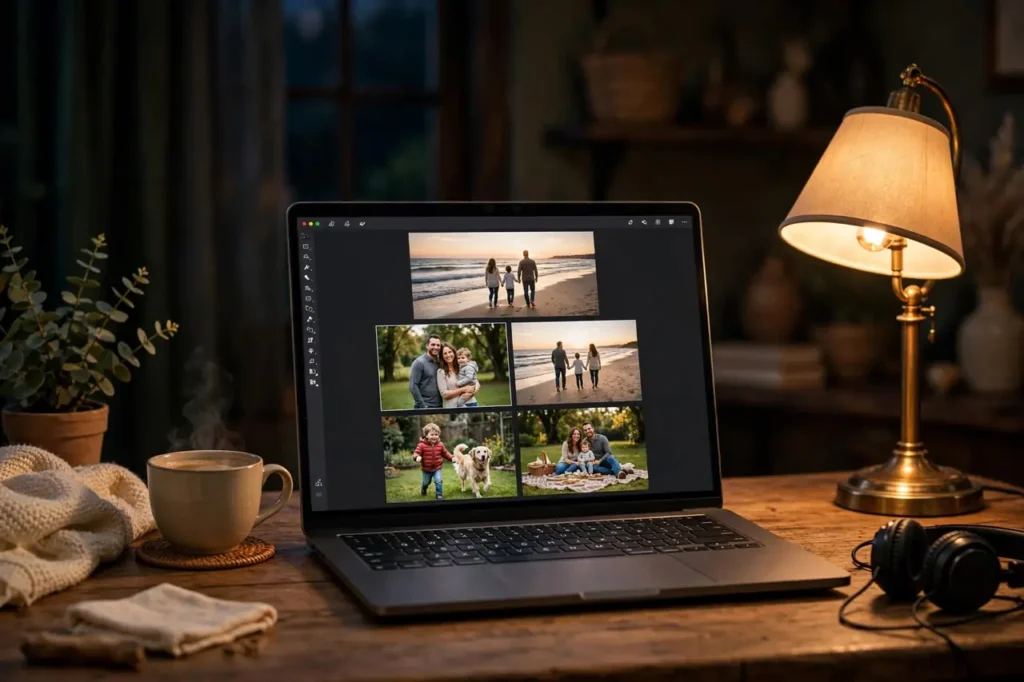
For most families, Canva or CapCut hits the sweet spot: free, fast, and more than capable of a beautiful tribute. The software matters far less than the curation — a thoughtfully ordered slideshow in PowerPoint outperforms a sloppy one in Premiere every time. Pick the tool you already know; learning new software under deadline is a recipe for stress. And whatever you choose, learn its caption and audio-ducking features first — those two skills do 80% of the professional polish.
Adding Video Clips and Voice
Still photos carry a slideshow, but short video clips electrify it. Even two or three clips — the guest of honor laughing, blowing out candles at 99, telling a story — add dimension that photos cannot. Sprinkle them through Act 2 and save the best for Act 3. Keep each clip under 20 seconds; longer clips break the slideshow’s rhythm.
Recorded voice adds another layer: a grandchild narrating the chapter titles, the guest of honor’s own voice from an old recording, family members reading short memories over photo sequences. Narration solves the “too many captions” problem elegantly — the audience listens instead of reading, which feels more cinematic and keeps eyes on the photographs where they belong. Record narration in a quiet room, close to the phone, and normalize the volume to match the music bed.
If you are building a full video tribute with interviews and messages, our video tribute guide covers the documentary approach in depth — the slideshow and the tribute film are siblings, and many families make both.
The Technical Setup: Projectors, Screens, and Sound
A brilliant slideshow dies on bad equipment. Test everything in the actual venue, at the actual time of day, at least a day before the party.
Display. A projector and screen (or a large blank wall) beats even the biggest TV for a group — the cinematic scale suits the occasion. You need at least 2,500 lumens for a room with any ambient light; dim the room as much as possible regardless. Position the screen where every seat has a clear view, and the guest of honor sits front-center.
Sound. This is where most slideshows fail. Built-in projector speakers are tinny and weak; laptop speakers are hopeless in a party room. Bring a dedicated Bluetooth speaker or, better, connect to the venue’s sound system. Test the music at party volume — what sounds fine in your quiet living room disappears under fifty chatting relatives.
Playback. Download the finished video file locally — never stream it live. Wi-Fi fails at the worst moments, venue networks are notoriously unreliable, and a buffering spinner in front of eighty guests is entirely preventable. Bring it on two devices plus a USB stick, with the file cued up and tested. Assign one person whose only job is pressing play and managing volume. Have the room’s lights-dimming plan rehearsed: who dims, who introduces, who hits play.
Day-Of Run Sheet
| Time | Action | Owner |
|---|---|---|
| 2 hours before | Set up projector, screen, speakers; test full playback | Tech person |
| 1 hour before | Final test with room lighting as it will be during show | Tech person |
| After dinner | Host introduces: “We made something for [Name]” | Emcee |
| Showtime | Lights dim, play video, manage volume | Tech person |
| After credits | Pause for applause; invite guest of honor to respond | Emcee |
| After party | Share video link with family; back up project files | Editor |
Slideshow Mistakes That Ruin Tributes
Death by duration. Twenty minutes of photos is not a tribute; it is a test of endurance. Cap at twelve minutes. If you have more material, make a second “extended cut” for home viewing.
Every photo gets equal time. Not all photos are equal. Give anchor images six seconds and filler images three. Equal timing flattens the emotional arc.
Unlabeled mystery photos. “Who is that?” whispered through the whole show means you failed at captions. Name everyone, date everything.
Music as an afterthought. A single song looped for ten minutes, or music wildly mismatched to the mood, undermines beautiful visuals. Score deliberately, in acts.
Ending on a downer. Never end on frailty, hospitals, or memorial imagery. End on joy — a recent laughing photo, the family together, a closing card full of love. The last image is what the audience carries home.
No test run. The projector does not connect, the file will not open, the sound is inaudible — all discovered in front of eighty guests. Test twice, bring backups, download locally. Every time.
The Complete Production Timeline
| When | Task | Details |
|---|---|---|
| 6 weeks out | Launch photo collection | Ask each household for 15 best photos; emphasize early decades |
| 5 weeks out | Choose theme and music | Pick 2–3 songs; confirm personal meaningful tracks |
| 4 weeks out | Scan and organize | 600 DPI scans; one folder per decade; flag anchor images |
| 3 weeks out | First assembly | Photos in order, rough pacing, placeholder music |
| 2 weeks out | Refine | Captions, transitions, motion, audio levels, title cards |
| 1 week out | Review screening | Show two trusted people; fix typos, pacing, wrong-person photos |
| 48 hours out | Lock and back up | Final export 1080p; USB + laptop + cloud |
| Day before | Venue tech test | Projector, sound, lighting in the actual room |
| Party day | Showtime | Cue up early; assign tech owner; enjoy the tears |
Involving Kids and Grandkids in the Slideshow
The slideshow is a perfect intergenerational project. Give tech-savvy grandchildren real ownership: let them build the “recent decades” chapter, choose the finale song, or design the title cards. Their fresh eyes catch pacing problems adults miss, and their investment makes the screening doubly meaningful.
Younger children can contribute drawings of grandma to scan into the slideshow — a crayon portrait dissolving into a real photograph is pure charm. Have the great-grandchildren record the closing line (“Happy 100th birthday, Great-Grandma!”) as the final audio before the credits. It is the moment the room melts.
One caution: give kids defined, bounded tasks rather than the whole project. “Find ten funny photos of Grandma from the last five years” works; “help with the slideshow” produces chaos. Clear assignments, genuine appreciation, and their name in the credits (“Edited with love by…”) turn helpers into proud co-creators.
After the Party: Giving the Slideshow a Second Life
The slideshow’s job is not done when the applause fades. Upload it to a private video link and share it with everyone — especially the relatives who could not attend, who will treasure experiencing the tribute even secondhand. Send it to the guest of honor on a format they can actually use: a USB stick for the TV, a DVD for the truly traditional, or a tablet pre-loaded and charged.
Consider creating a shorter “highlights” version (3–4 minutes) for easy sharing with friends and on social media, keeping the full version private for family. The highlights cut also makes a wonderful annual ritual: replay it every birthday, adding a few new photos each year, so the tribute grows with the family and never goes stale.
Archive the project files, not just the exported video. Ten years from now, someone will want to add new chapters — a 105th birthday, a great-great-grandchild — and having the editable project saves rebuilding from scratch. Store the project file, all source photos, and the music in one clearly labeled folder, backed up in two places. Future family historians will thank you.
Frequently Asked Questions
How many photos should be in a 100th birthday slideshow?
Sixty to ninety photos for an 8–12 minute show, at 3–5 seconds each plus title cards and transitions. Fewer, stronger photos always beat more mediocre ones — curation is the entire art of the slideshow. If you have hundreds of candidates, be ruthless: every photo must earn its place by being clear, meaningful, or beautiful — ideally all three.
How long should the slideshow be?
Eight to twelve minutes. That is long enough to feel substantial for a century of life and short enough to hold a multi-generational audience. If your draft runs long, cut the weakest 20% rather than speeding up the pacing — breathing room is what makes a slideshow feel luxurious.
What is the best free software for a birthday slideshow?
Canva (beautiful templates, very easy), CapCut (great music syncing), iMovie (Mac/iOS), or Clipchamp (Windows) — all free and all fully capable of a gorgeous tribute. Choose whichever you already know; the curation matters far more than the tool.
How do we choose the music?
Start with personally meaningful songs (wedding song, favorite artists, beloved hymns), then fill era gaps with period-appropriate instrumentals. Use one song per act, keep volume below the “noticed” threshold, and prefer instrumentals under any narration. For public online sharing, use royalty-free music to avoid copyright flags.
Should we include video clips or just photos?
Include a few short clips (under 20 seconds each) if you have them — they add life and dimension. But a photos-only slideshow is completely fine and often more cohesive. Do not force clips that are poor quality; a blurry, inaudible video hurts more than it helps.
How do we handle photos of people who have passed away?
Include them warmly and briefly — a beloved spouse, late friends, departed siblings are part of the century’s story. One or two photos with a simple caption is honoring; a long memorial sequence shifts the mood. Keep the overall arc celebratory, with remembrance woven in naturally rather than isolated.
Can we make a slideshow the day before the party?
Technically yes, practically no. Last-minute slideshows are where typos, wrong-person photos, and audio disasters live. Finish the edit a full week before, show it to two trusted people, and lock it 48 hours out. Your future self will thank you.
What if the projector fails during the party?
Have a backup: the video on a laptop that a small group can gather around, or even a phone passed hand to hand. It is not ideal, but the content still moves people. The real lesson is prevention — test twice, bring two devices plus a USB stick, and download the file locally rather than streaming.
Should the slideshow be a surprise?
It can be, and surprise slideshows get wonderful reactions. But consider telling the guest of honor that something is coming — some centenarians find being put on the spot overwhelming. Keep the contents secret while removing the ambush, and you get the best of both.
How do we get good scans of very old, fragile photos?
Use a flatbed scanner at 600 DPI with the photo face-down and the lid gently closed — never a feed scanner, which can damage fragile prints. If the photo is stuck in an album, photograph it with your phone in bright, indirect natural light, keeping the phone parallel to avoid distortion. Handle by the edges, work clean-handed, and return originals to archival sleeves immediately. For the most precious images, a local photo shop’s professional scanning service is worth every penny.
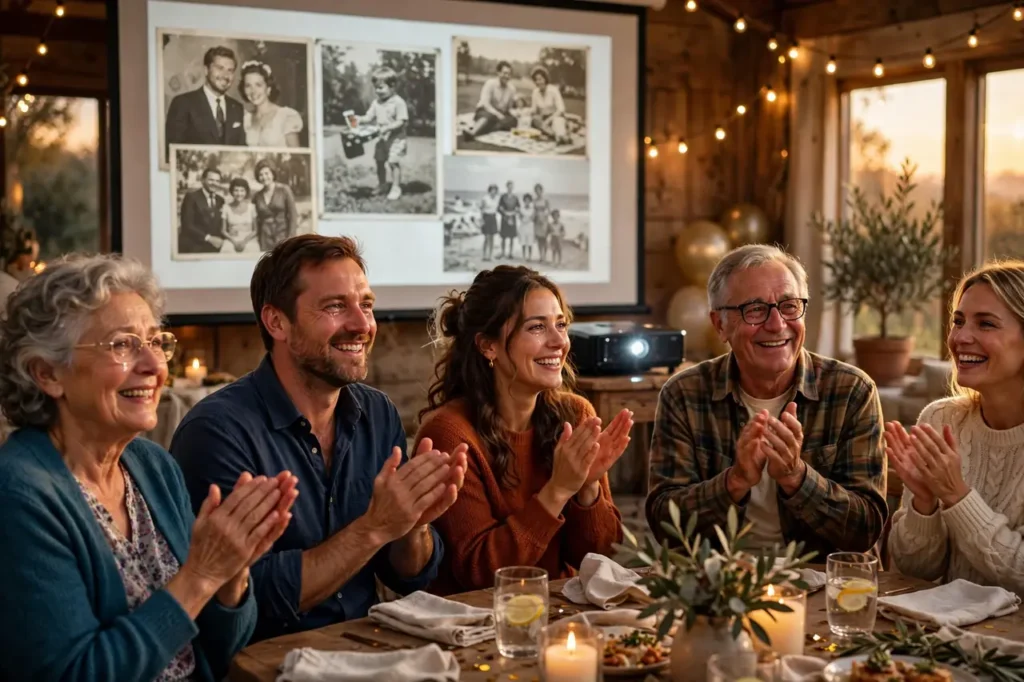
Watch: A Real 100th Birthday Highlight Video
See how one family’s videographer wove party moments and memories into a beautiful 100th birthday film — inspiration for your own slideshow:
A great slideshow is a century made visible — curated with love, paced with care, and scored to move a room. Start collecting photos early, build around your anchor images, keep it under twelve minutes, test your equipment twice, end on joy, and give the finished film a second life after the party. Do that, and you will have created the thing guests talk about for years to come. For words to pair with your favorite images, explore our birthday quotes collection and best friend birthday quotes for captions that sing.